Repair service · Ahmedabad
Mobile Software Repair & Flashing in Ahmedabad
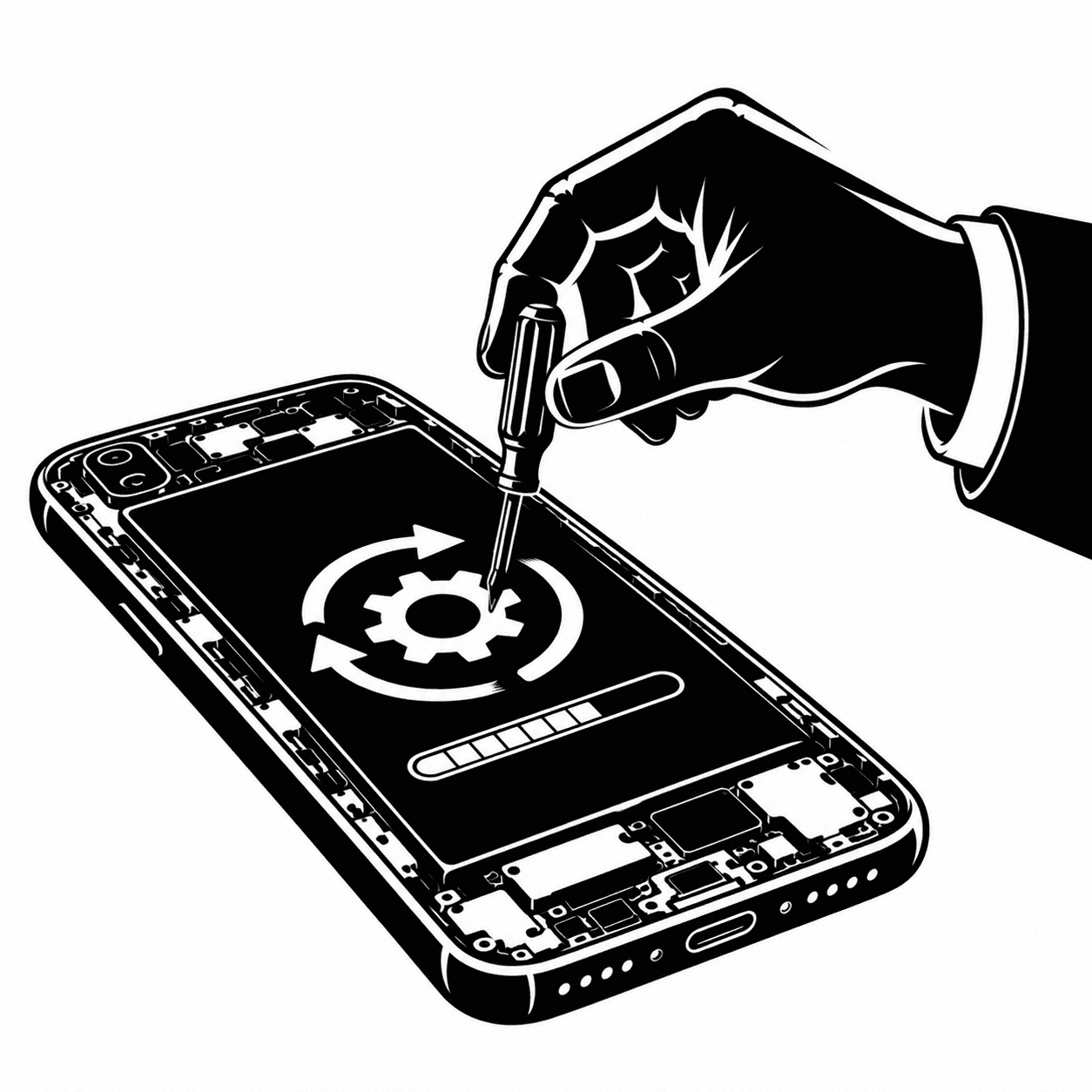
Software repair fixes problems caused by the operating system rather than hardware — bootloops, stuck logos, failed updates and severe app instability. Mr Senior attempts a data-safe fix first, backs up what is accessible, and only flashes firmware when a software reset is the only realistic option.
- Turnaround
- Usually 1–4 hours depending on firmware and backup size
- Warranty
- Workmanship warranty on the software service provided
- Where
- Shastri Nagar, Ahmedabad
What this repair solves
Not every dead phone is a hardware failure. Corrupted firmware, an interrupted update, a full storage partition or a badly behaved app can leave a phone stuck on the logo, restarting in a loop, or refusing to pass the lock screen. These are software faults, and the right repair is careful software work rather than replacing parts.
Mr Senior approaches software problems in order of risk. We attempt non-destructive troubleshooting first: safe mode, cache clearing, update repair and account-level fixes. If the phone can boot even partly, we help you back up photos and documents before anything else. Flashing firmware is a later step, not the first one, because it can erase data.
We flash only original or verified firmware matched to your exact model and region, and we verify IMEI, network and core functions after the process. We do not bypass Google or Apple account locks — if a device is locked to an account you do not control, we will explain why we cannot proceed.
Signs you need this repair
- Phone stuck on the brand logo or boot animation
- Endless restart loop after an update
- Apps crash repeatedly or the home screen will not load
- Storage full errors even after deleting files
- Sudden pop-up ads and unknown apps appearing
- Camera, Wi-Fi or calling works intermittently with no hardware fault
What is included
- Software diagnosis before any reset
- Backup of accessible data where possible
- Cache, recovery and update repair steps
- Verified firmware flashing for your exact model
- Post-flash setup checks for network and sensors
- Clear explanation of data loss risk before work begins
How the repair works
- 01
Diagnose the software state
We check whether the phone boots, what the recovery mode reports and whether the fault is firmware, storage or an app.
- 02
Protect your data
Where the device is accessible, we back up photos, contacts and documents before attempting any repair that could erase storage.
- 03
Repair or flash
We apply the least destructive fix first and flash verified firmware only when the software state cannot be repaired otherwise.
- 04
Verify the device
After setup we test network, calls, camera, sensors and charging to confirm the phone is stable, not just booting.
Parts we fit
Non-destructive repair
Recovery mode fixes, cache repair and update correction that keep existing data intact.
Firmware flash with backup
A clean firmware install after backing up everything that could be read from the device.
Full restore
Complete firmware restore when the storage layout or system partition is corrupted, with data loss confirmed in advance.
What affects the price
- Firmware availability
- Popular models have readily available verified firmware; rare or imported variants can take longer to source.
- Data backup scope
- Backing up a large photo library takes time and is reflected in the service estimate.
- Storage corruption
- Corrupted or failing storage may need a deeper repair and can change the outcome entirely.
- Hardware co-faults
- If software symptoms mask a failing board component, that repair is quoted separately after diagnosis.
Prices are confirmed after diagnosis for your exact model. Call +91 79842 61070 for an indicative range before you visit.
Models and brands we service
- Samsung
- Redmi
- Realme
- Vivo
- Oppo
- OnePlus
- Motorola
- iQOO
- Apple iPhone
Software Repair & Flashing FAQs
Last reviewed 2026-10-29
Will flashing my phone erase my data?
A full flash erases the phone's storage. Mr Senior explains this before starting and backs up anything readable first. If a non-destructive repair can solve the problem, we always try that before flashing.
Can you fix a phone stuck on the logo screen?
In most cases yes. A stuck logo is usually a firmware or storage issue, and recovery-mode repair or a verified flash resolves it. If the board has a hardware fault that blocks boot, we diagnose that instead of repeatedly flashing.
Do you unlock Google or Apple account locks?
No. Mr Senior does not bypass account locks, because that facilitates theft and violates platform terms. If a device is locked to an account you cannot access, we explain the official recovery routes instead.
Is it safe to install a custom ROM or modified firmware?
We install only original or verified firmware matched to your model and region. Modified firmware can break banking apps, payment security and warranty status, so we do not recommend it for daily-use phones.
Why does my phone slow down and crash after an update?
Updates can leave corrupted caches, incompatible apps or a full storage partition behind. We clean the software state, check storage health and reinstall problem apps, which usually restores normal speed without a full reset.
How long does software repair take?
Most software repairs finish in one to four hours. Large backups, rare firmware downloads and corrupted storage can extend that, and we confirm the expected time after diagnosis.
Where to get this repair in Ahmedabad
The bench is at Shastri Nagar, Ahmedabad. Customers travel from across the city — these are the areas we link to most often.
Related repairs
These services are often diagnosed alongside this one.
- Mobile Data RecoveryRecovery of photos, chats and files from dead, damaged or corrupted phones.
- Motherboard RepairChip-level diagnosis, microsoldering and component replacement for dead and unstable boards.
- Mobile Battery ReplacementWorn, swollen and fast-draining batteries replaced with tested cells and a health check.
Other repair services
Mobile Screen Repair
Cracked glass, dead touch zones and flickering panels repaired with tested display modules.
View details →Mobile Display Replacement
Full LCD and OLED module replacement for dead panels, lines and touch failure.
View details →
Mobile Battery Replacement
Worn, swollen and fast-draining batteries replaced with tested cells and a health check.
View details →
Charging Port Repair
Cleaning, port replacement and board-level repair for phones that will not charge reliably.
View details →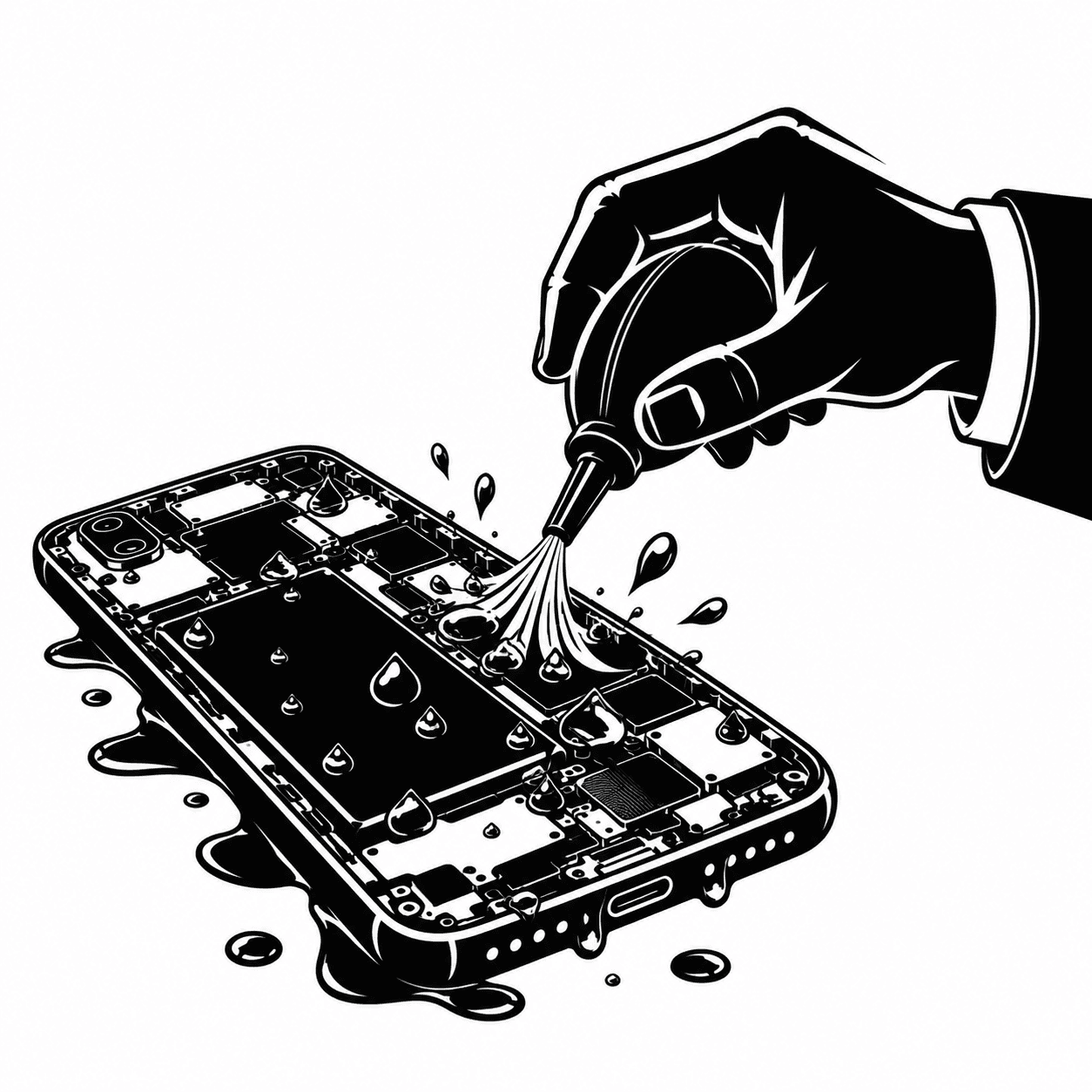
Water Damage Repair
Ultrasonic cleaning and corrosion treatment for phones exposed to water and liquids.
View details →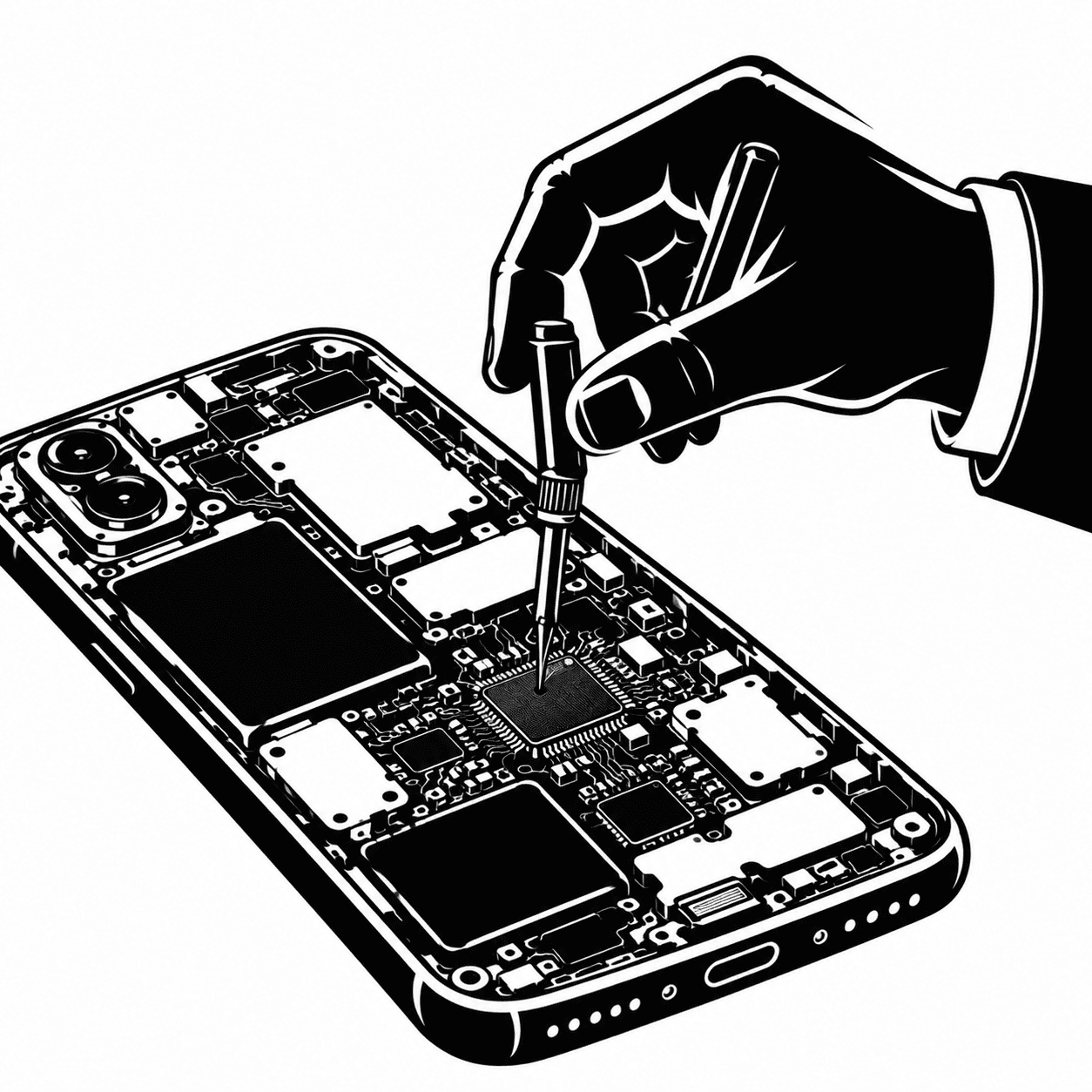
Motherboard Repair
Chip-level diagnosis, microsoldering and component replacement for dead and unstable boards.
View details →
Book software repair & flashing in Ahmedabad
Free diagnosis at Shastri Nagar, Ahmedabad. Call ahead to confirm the part for your exact model and reserve a bench slot.